
Social Learning LMS with
Community Boards
Move beyond static text threads. Foster collaborative online learning with aesthetic community boards embedded directly into any lesson page, exactly where community interaction and social learning matter.
Unlike other LMS platforms that force users to leave the lesson to check a separate ‘Community Page’, we bring the community to the lesson. We keep conversations attached to the content, so interaction happens naturally and without breaking the flow.
✓ No credit card required
Trusted by over 20,000 training providers














Visually Appealing Discussion Boards for Online Courses
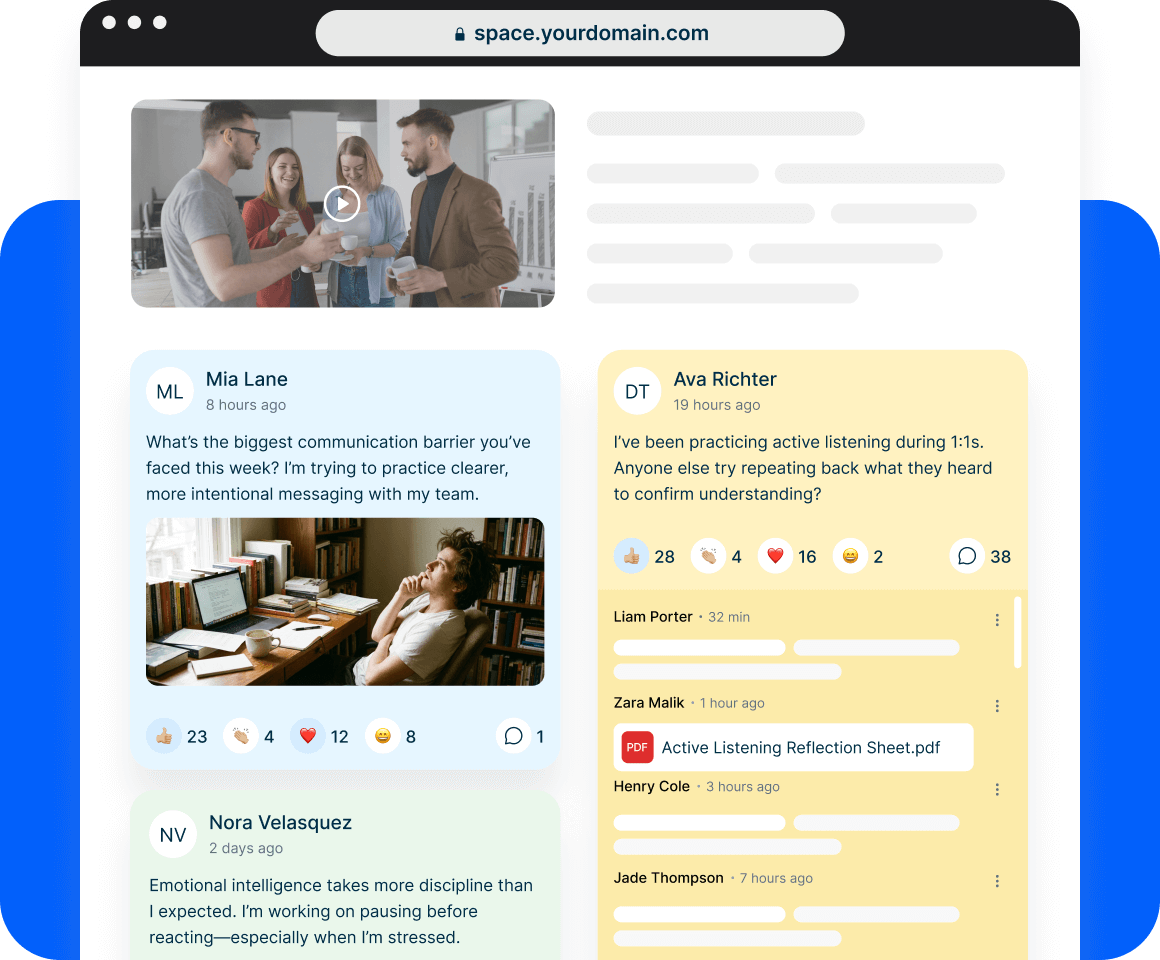
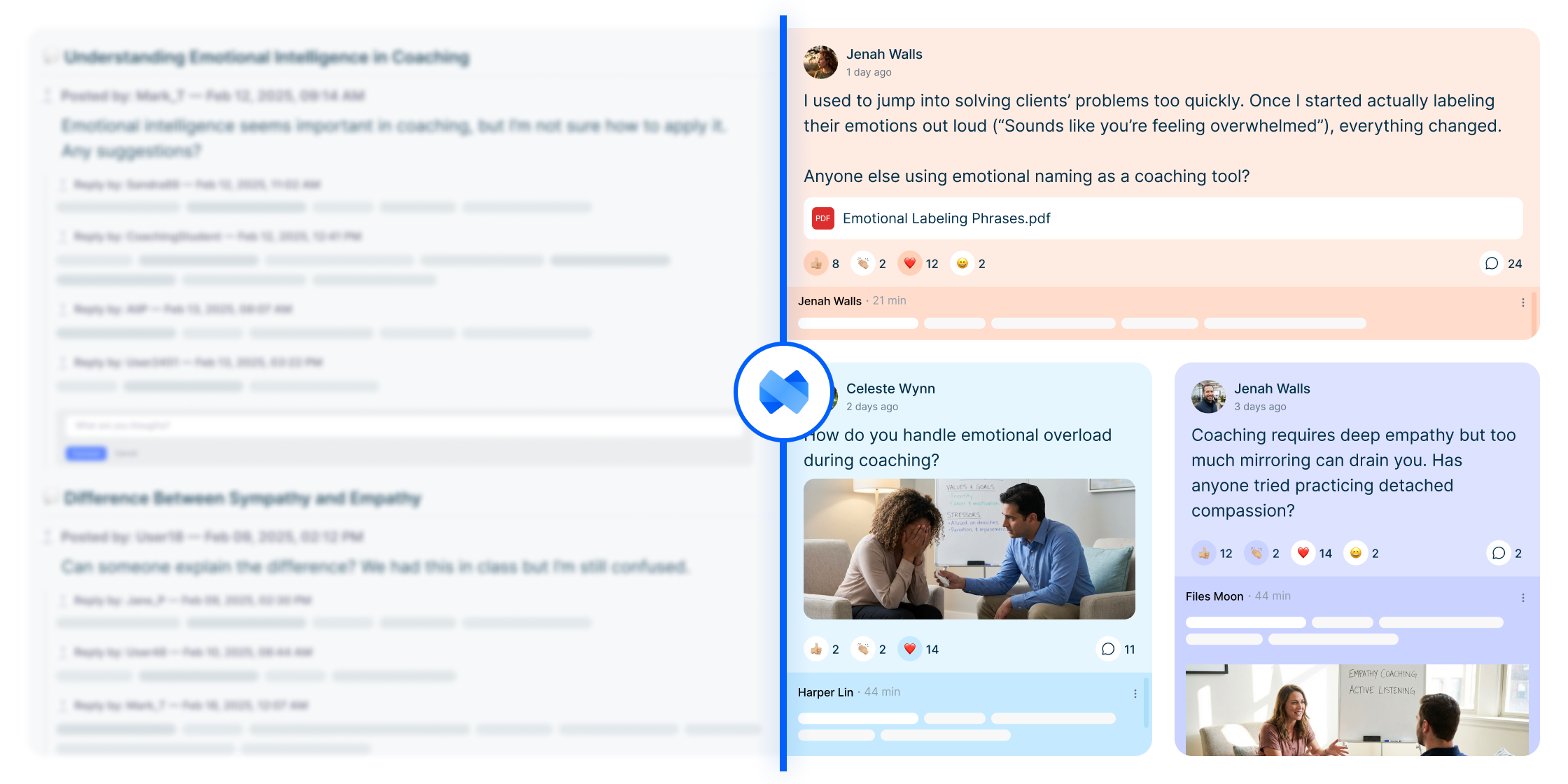
Traditional online course discussion boards are often hidden in separate tabs, appearing as dry lists of text threads that kill enthusiasm.
We take a different approach. Mini Course Generator uses an aesthetic layout that feels inviting and modern; similar to a social media wall or an online bulletin board. This visual approach reduces the friction to participate and encourages active learning strategies.
How community blocks can add value to your courses?
Transform your course from a static content delivery tool into a dynamic, social learning ecosystem.
Belonging & Social Connection
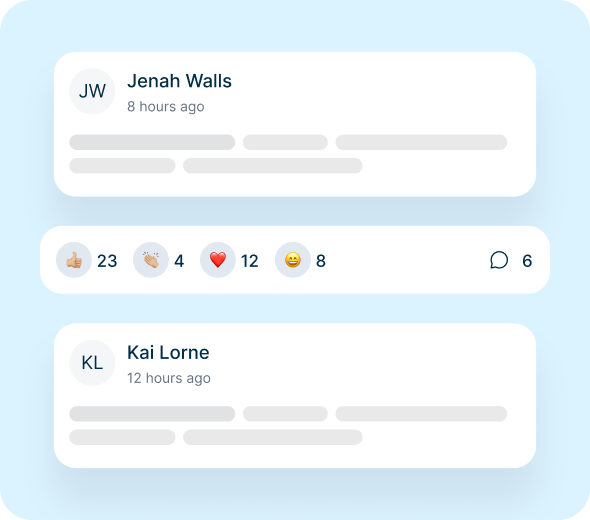
Learners feel part of a real cohort, not just isolated individuals consuming content. The community block creates shared identity, trust, and momentum—key drivers of course completion and satisfaction.
Peer-Driven Learning & Knowledge Sharing
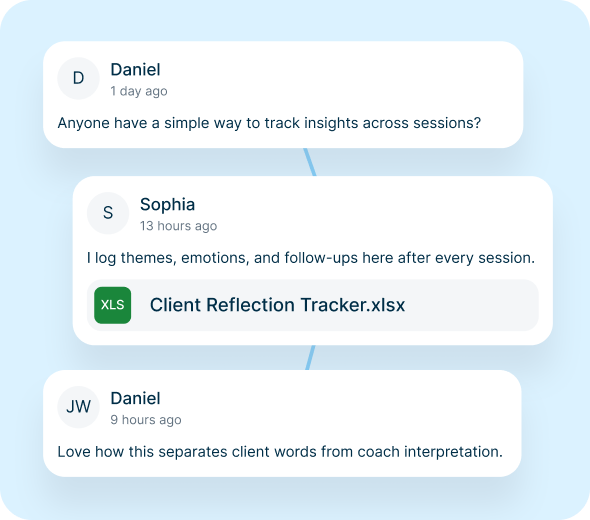
Participants learn from each other’s experiences, questions, and perspectives, turning the cohort into a distributed learning resource. This deepens understanding beyond instructor-led content through cognitive diversity.
Continuous Feedback & Reflection
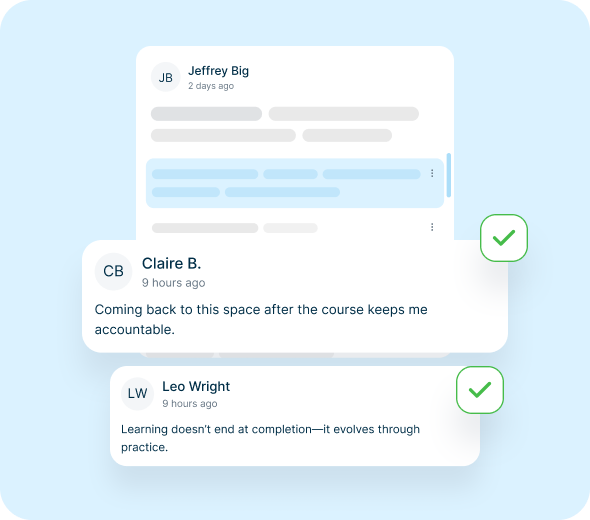
Learners can ask questions, share drafts, reflect openly, and receive timely feedback—supporting deeper learning, faster iteration, and improved outcomes.
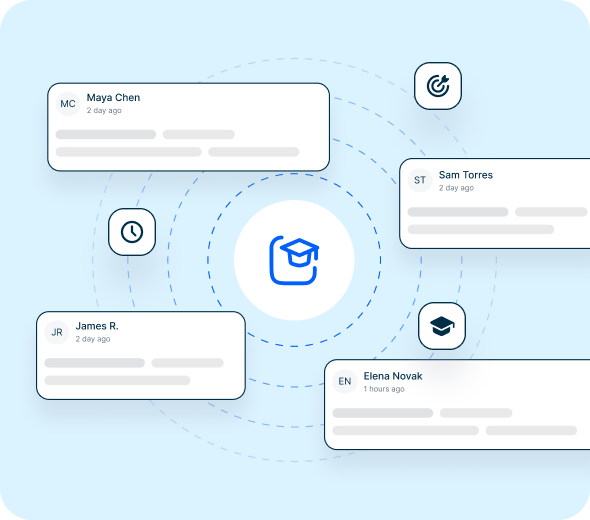
Scalable Engagement Beyond the Course
The same community structure can support product feedback, alumni engagement, and practitioner communities. This extends value well beyond a single course by creating continuous improvement loops.
Customize Board Settings for Total Control
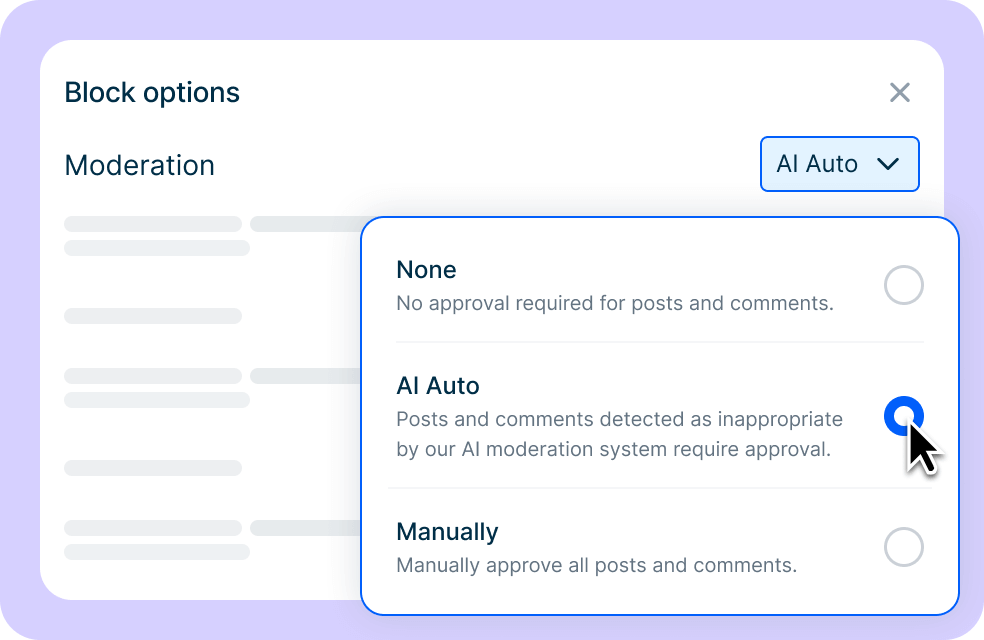
Smart Moderation Options
Set the rules for community discussions. You might prefer no limits, strict control requiring your approval, or the AI Moderator to automatically filter toxicity.
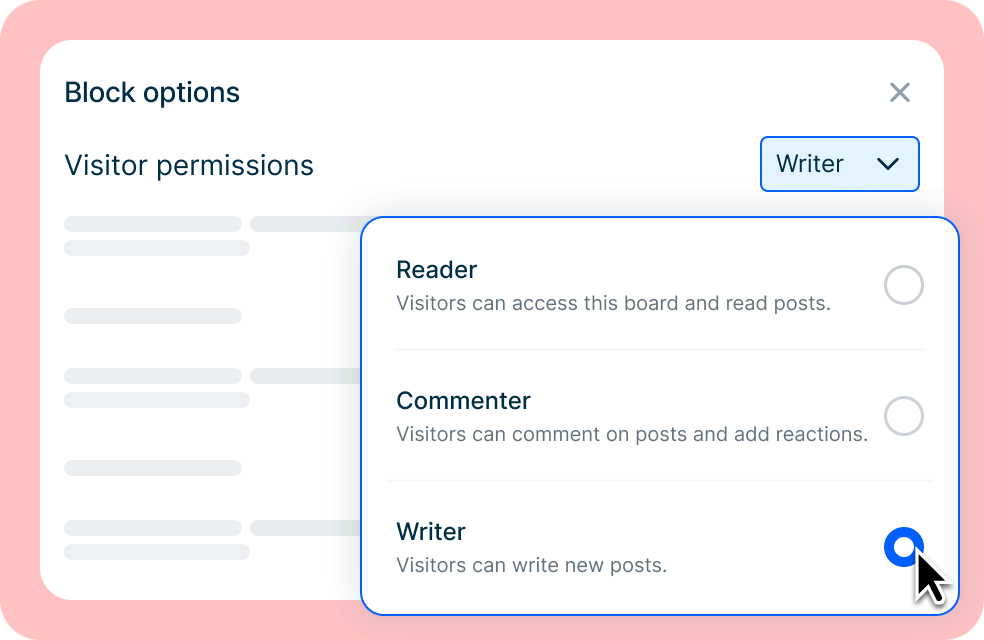
Granular Permission Levels
Define learner roles. Choose whether they can initiate new topics, are restricted to commenting only, or can simply view the board in read-only mode for past discussions.
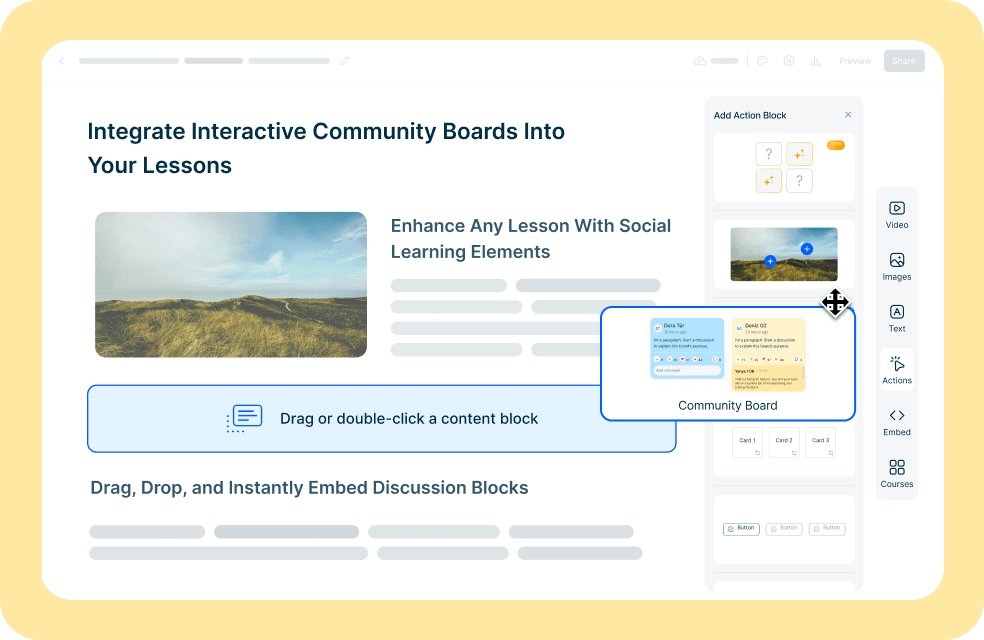
Embed on Any Lesson Page
Unlike traditional LMS forums, embed our aesthetic discussion boards on any page in your course, even on landing page, to facilitate true contextual collaborative learning.
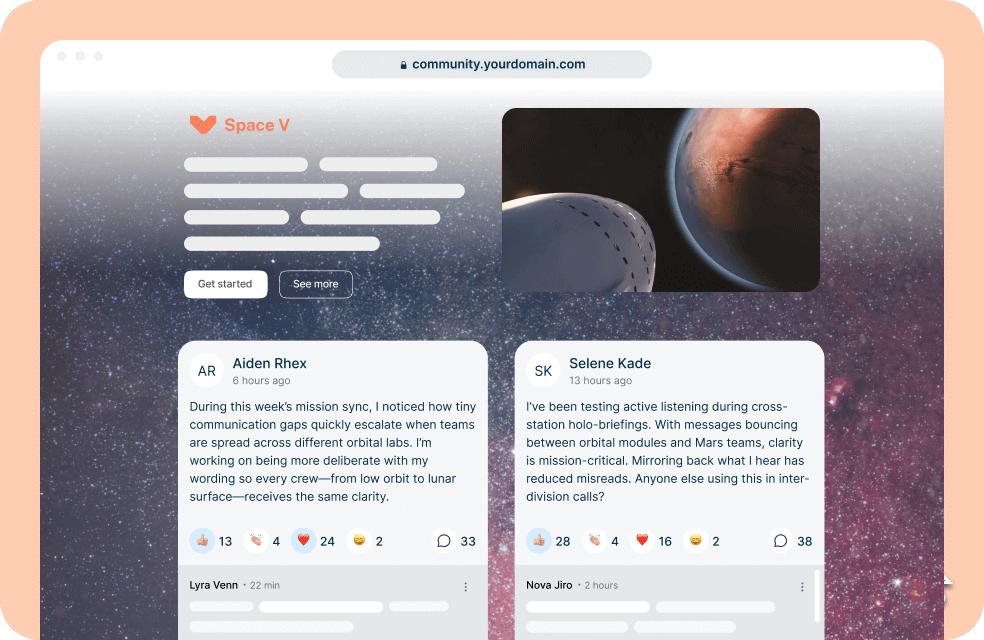
Custom Color Themes
Align with your brand identity. Customize background colors or color-code individual discussion spaces to visually differentiate topics and themes.
Effortless Management with AI Assistance
Just like our AI Course Creator and AI Interaction Builder, we provide AI assistance for your discussion boards as well. Save time and ensure a quality community interaction without the heavy lifting.
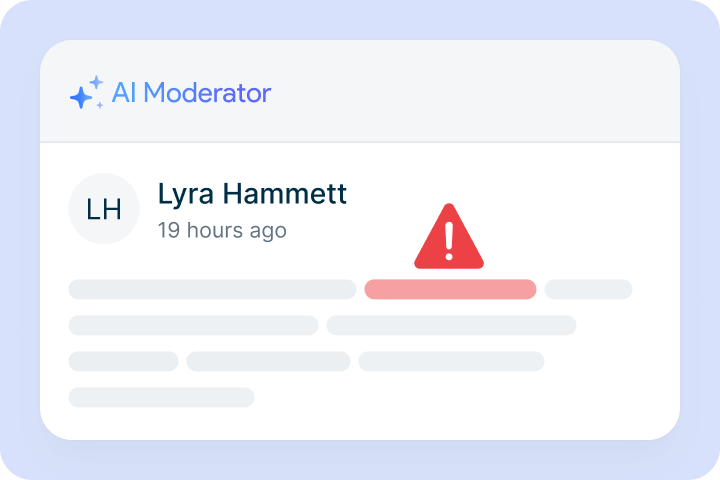
AI Moderator
It automatically detects and filters toxic language, ensuring the collaborative learning environment remains professional and safe 24/7.
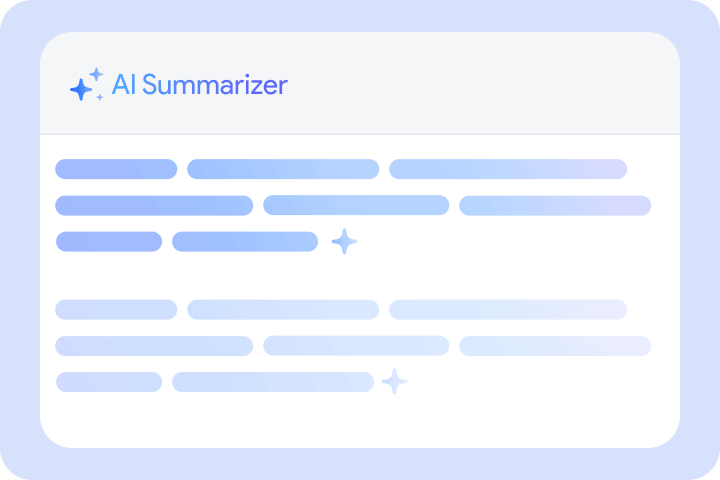
AI Summarizer
It analyzes long threads and generates concise summaries, helping you understand learner sentiment without reading every single post.
Ideas for Using Community Boards
Announcements & Updates
Keep your community informed and excited with real-time notifications that drive action.
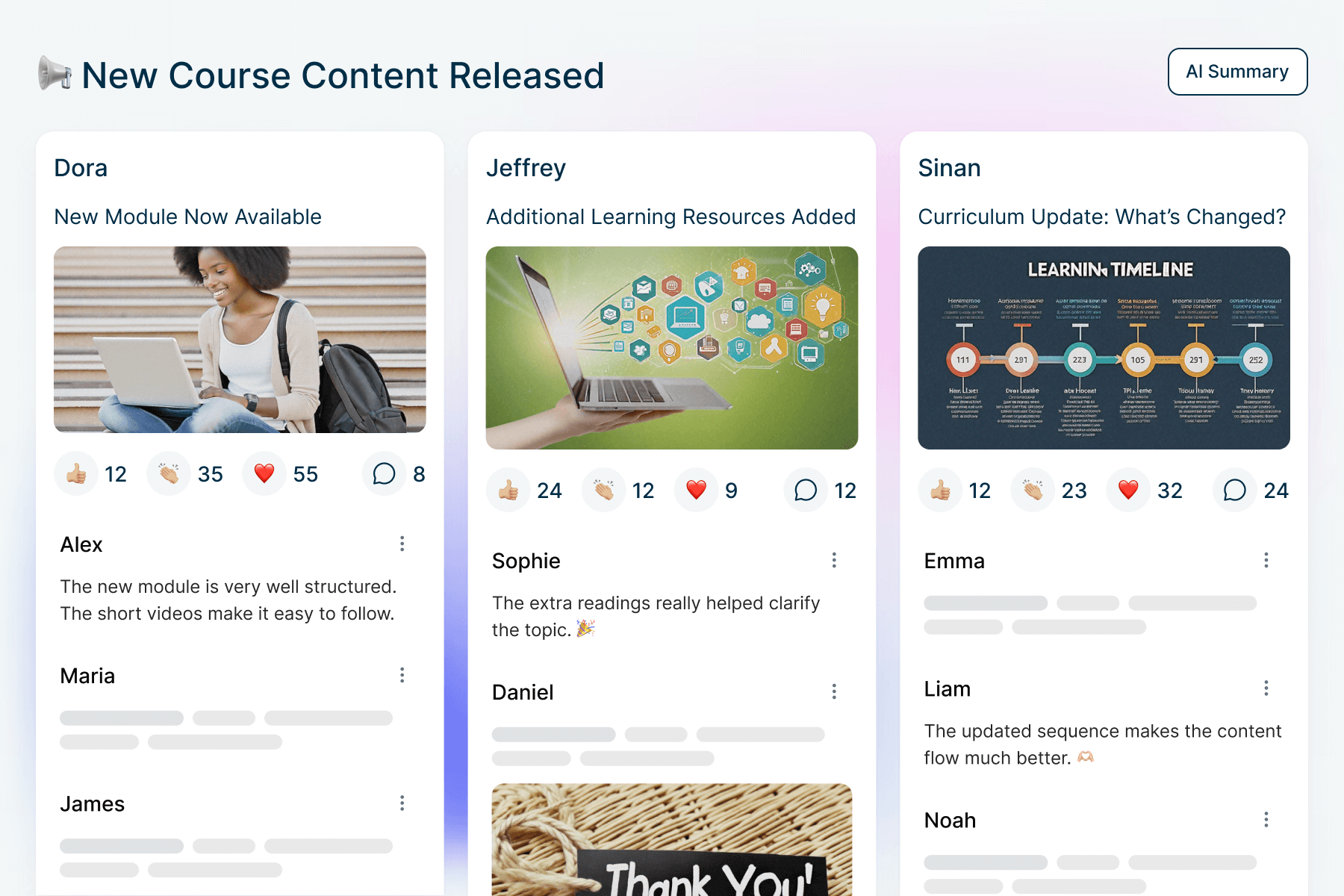
Instantly notify learners about new content or curriculum changes.
New Course & Update Announcements
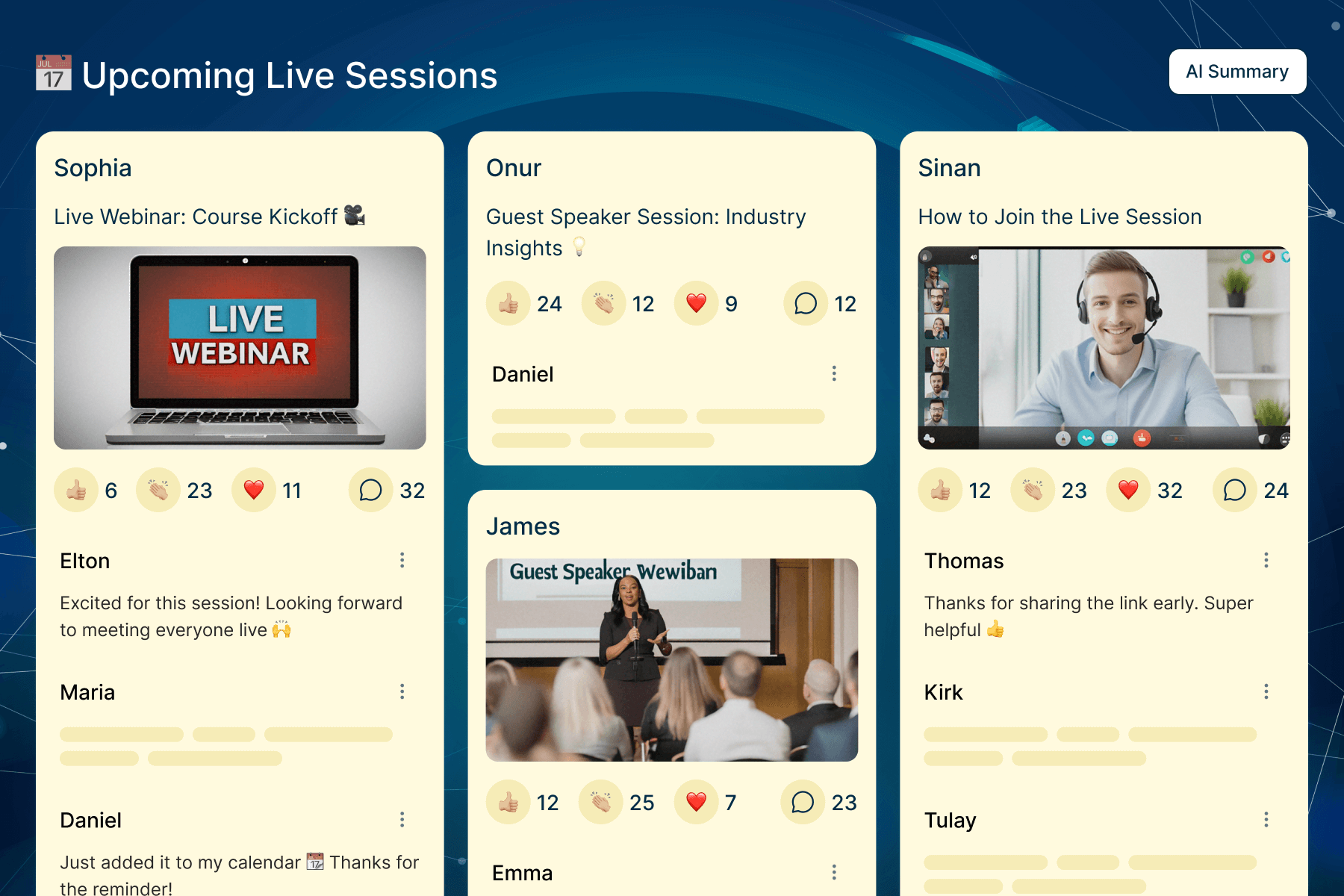
Coordinate webinars and live sessions in one central thread.
Live Meetup Invitations
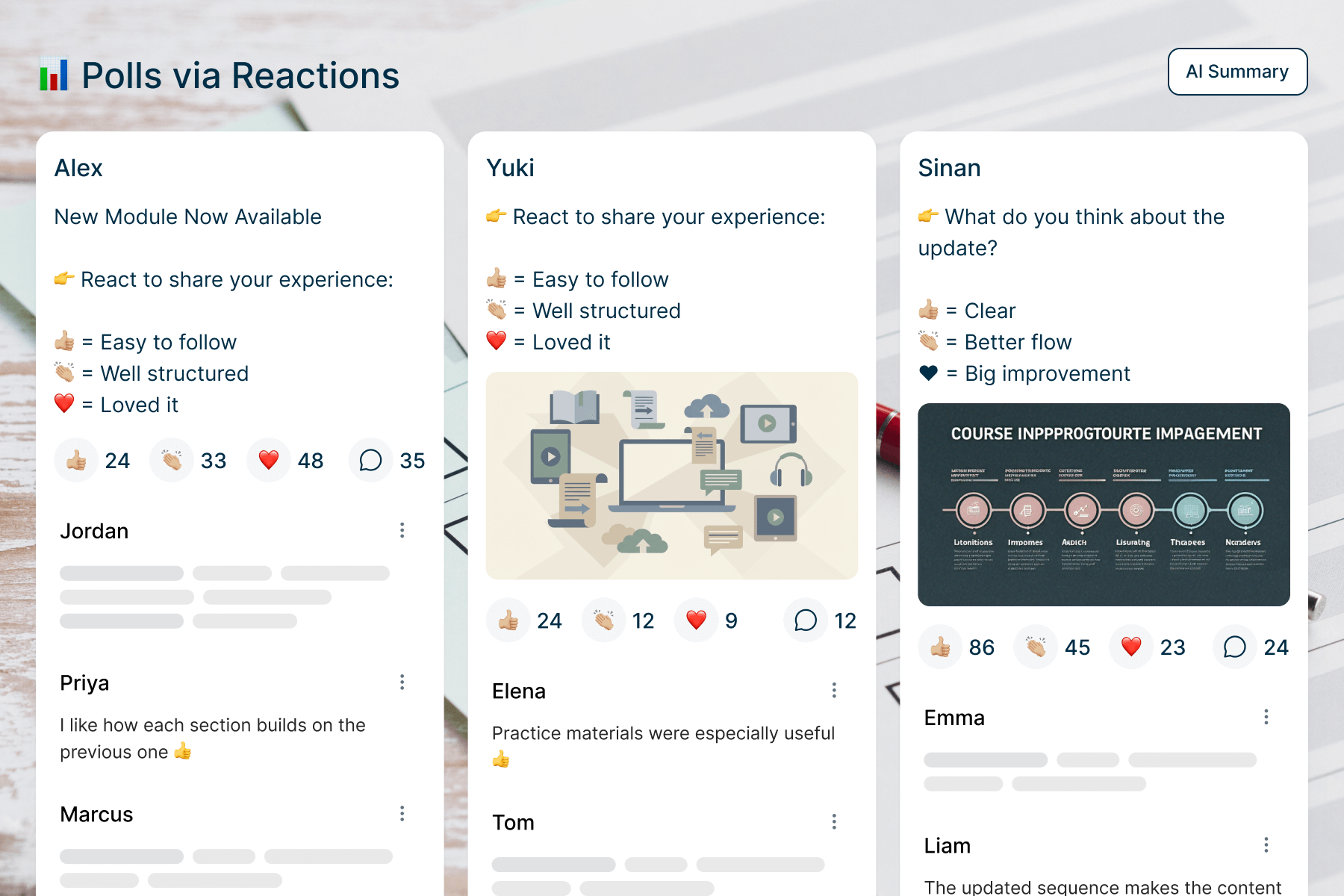
Use emoji reactions to get instant sentiment or feedback on course updates.
Polls via Reactions
Interactive Learning & Q&A
Bridge the gap between theory and practice with direct engagement tools between instructors and students.
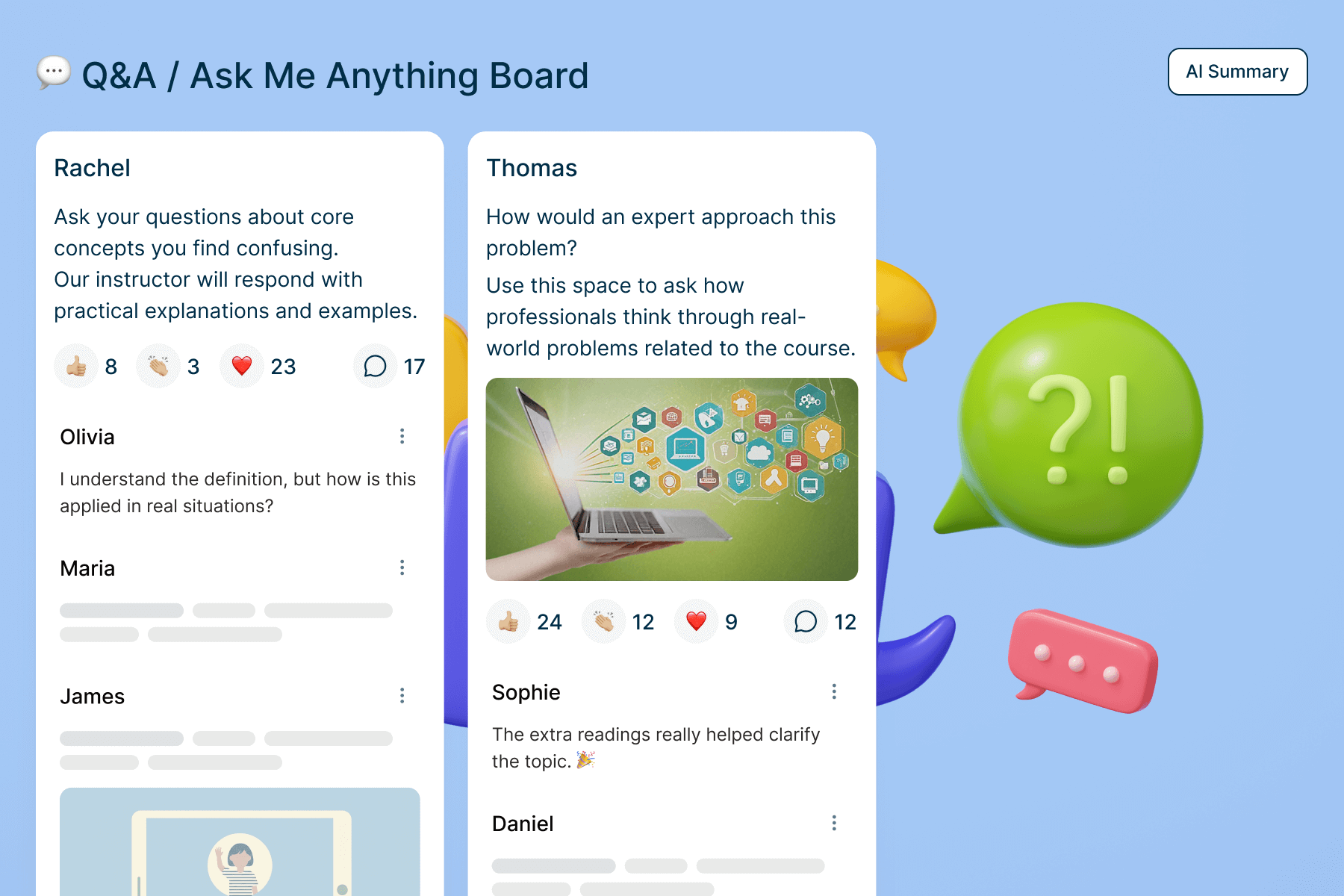
Dedicated spaces for learners to get their questions answered by experts.
Q&A or AMA (Ask Me Anything)
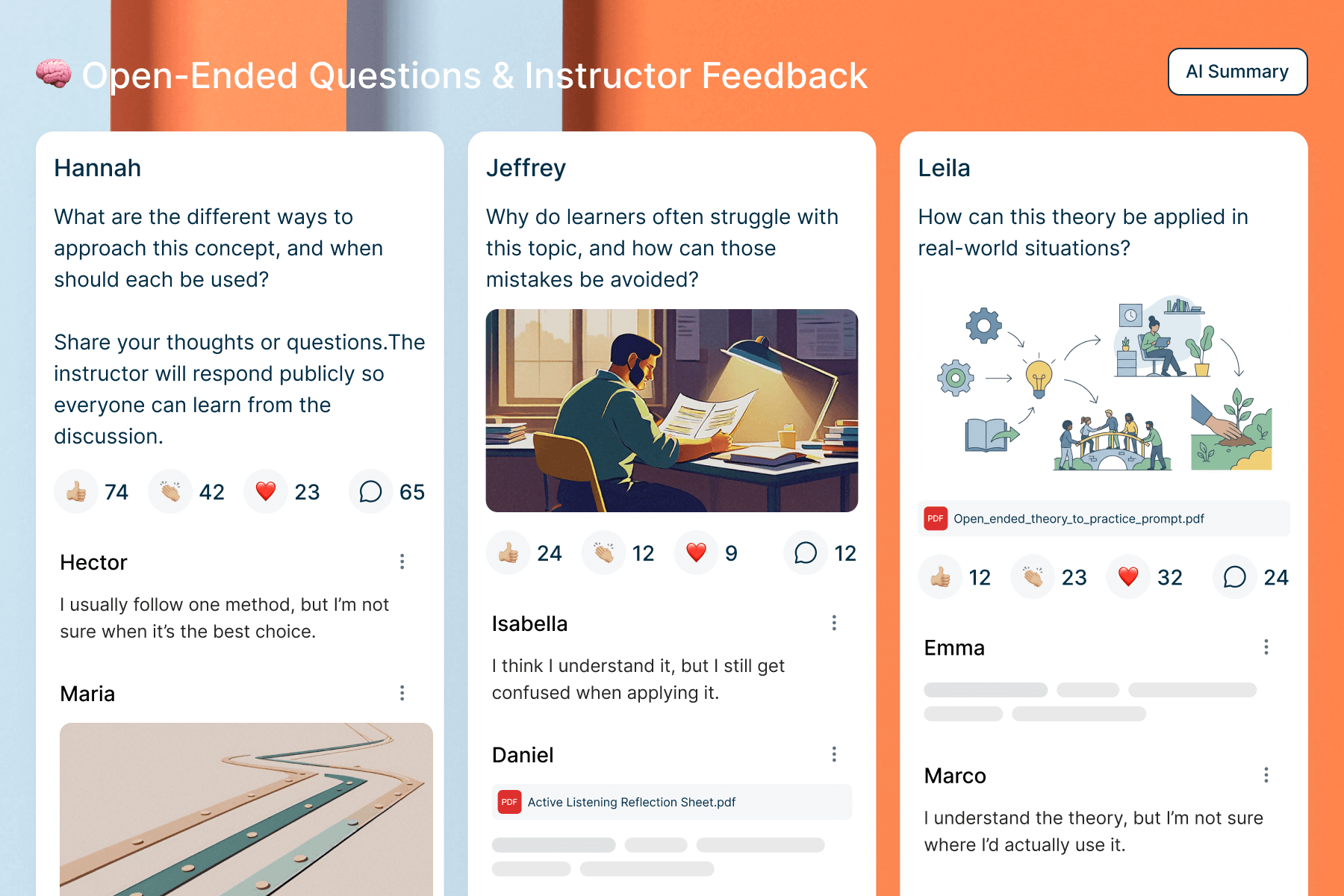
Public instructor feedback on learner questions that benefits the entire cohort.
Open-Ended Questions
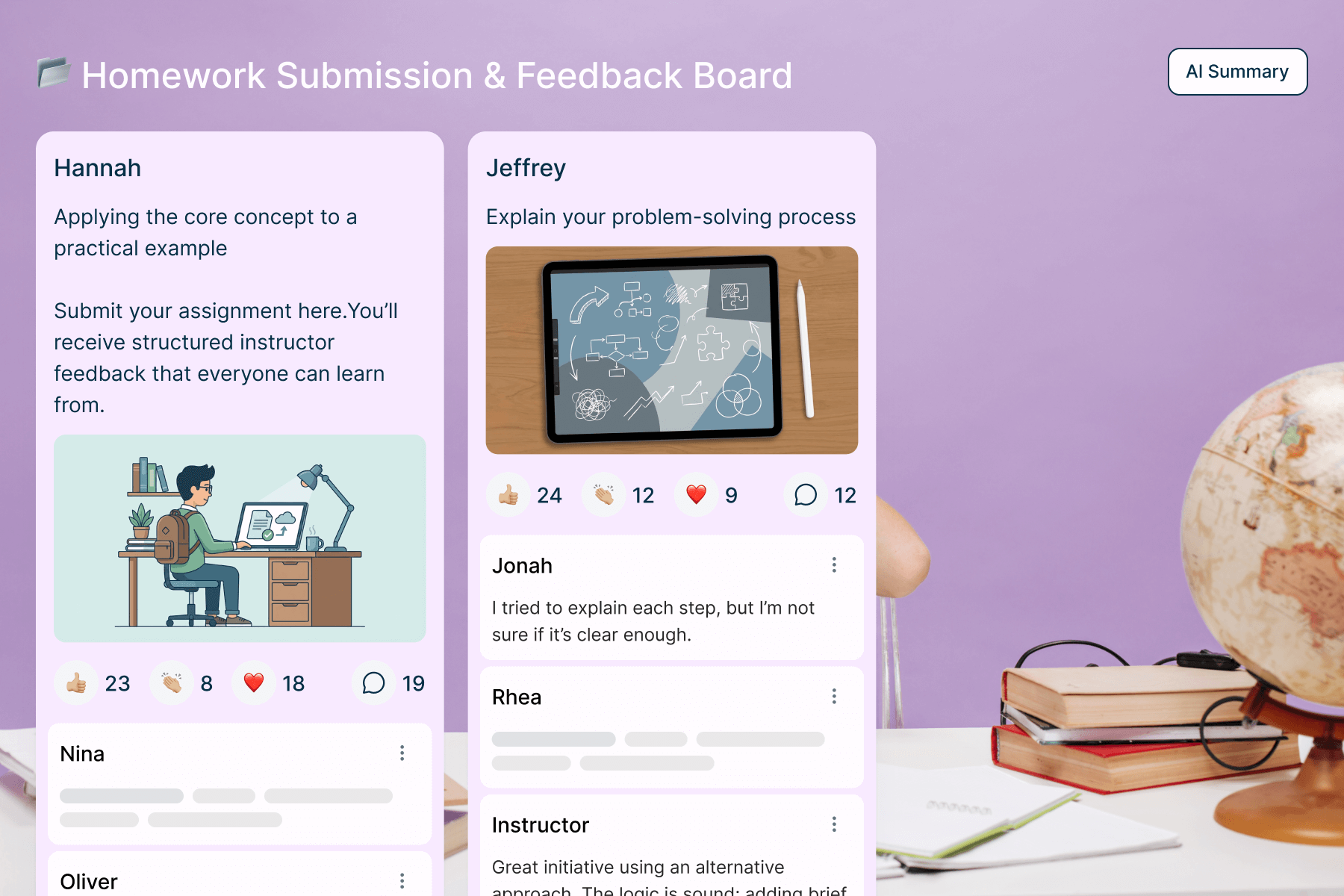
A space for students to share work and receive structured feedback.
Homework Submission
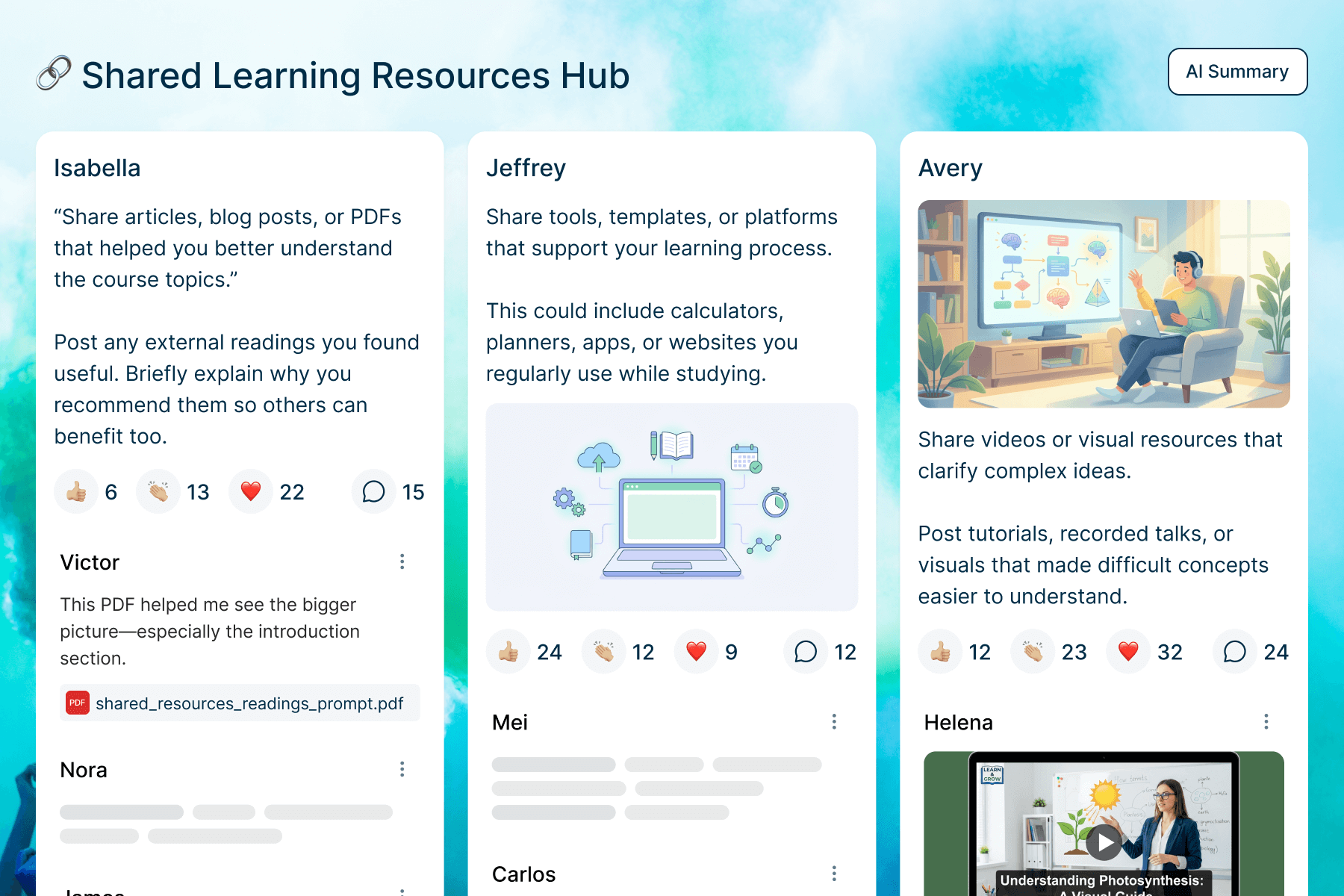
A collaborative hub for learners and teachers to post supplementary links, PDFs, and tools.
Share Resources
Peer Engagement & Social Proof
Harness the power of the community to build trust, momentum, and collective intelligence.
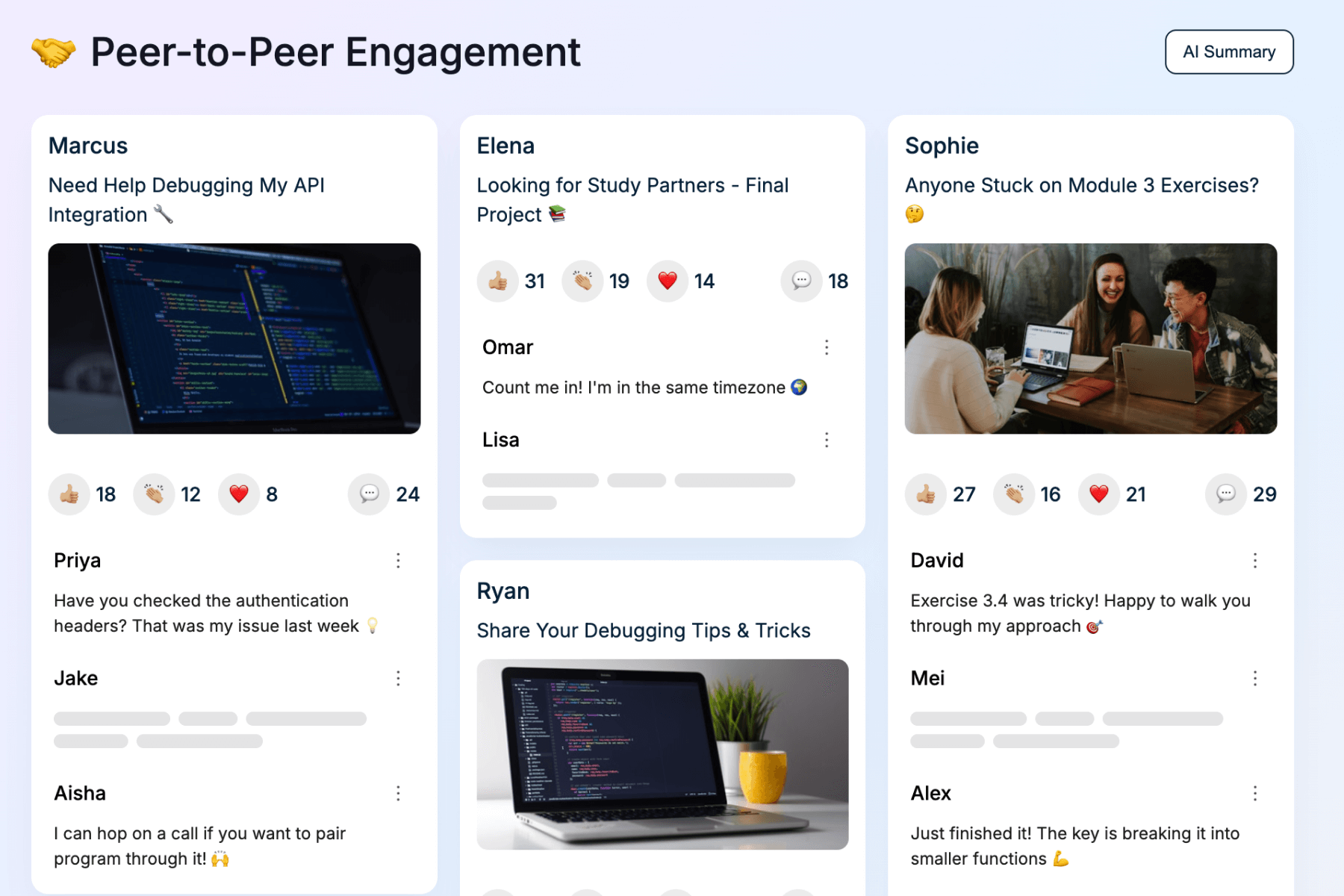
General networking threads where learners can troubleshoot together.
Peer-to-Peer Engagement
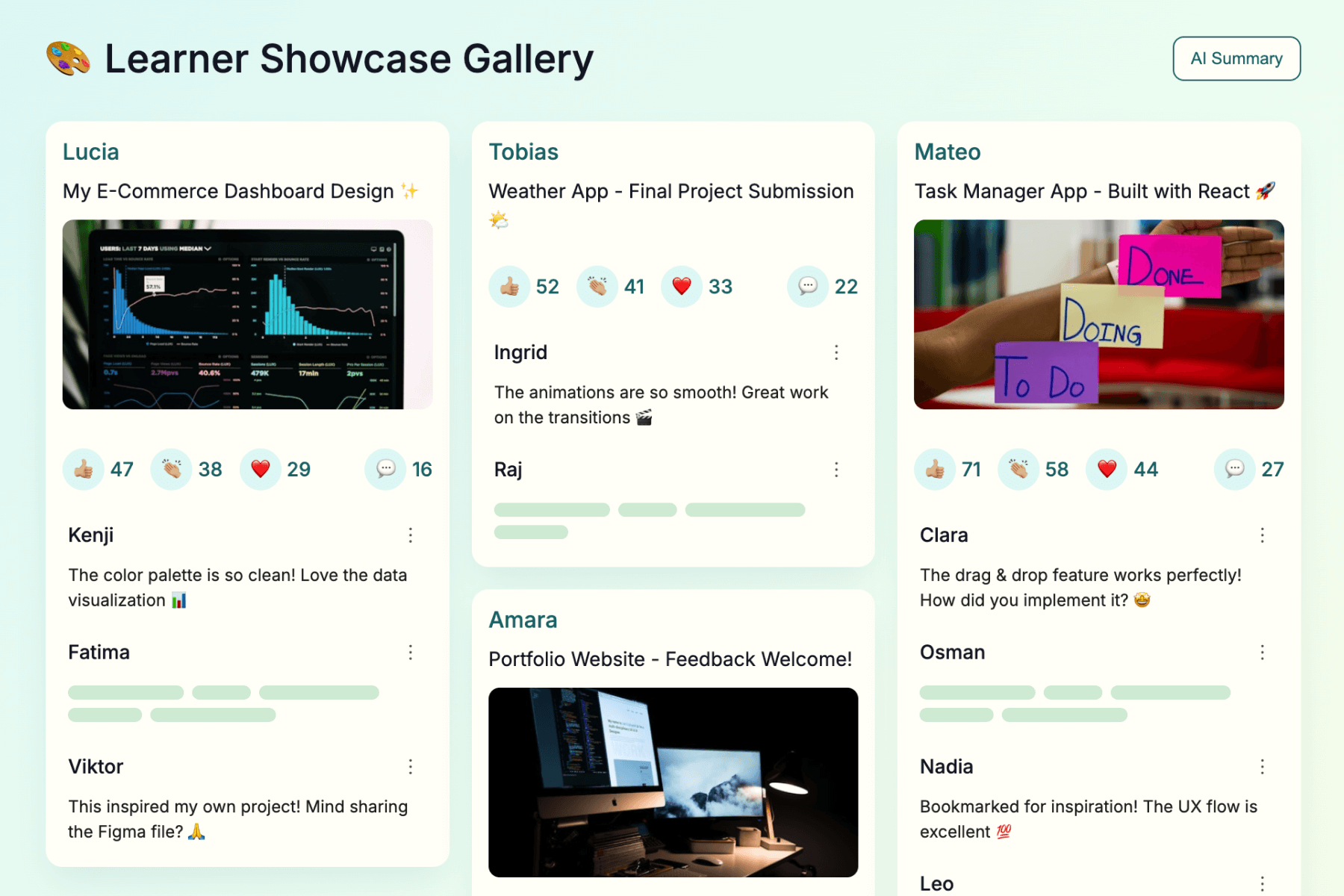
A visual space for students to share their completed projects or portfolios.
Learner Showcase Gallery
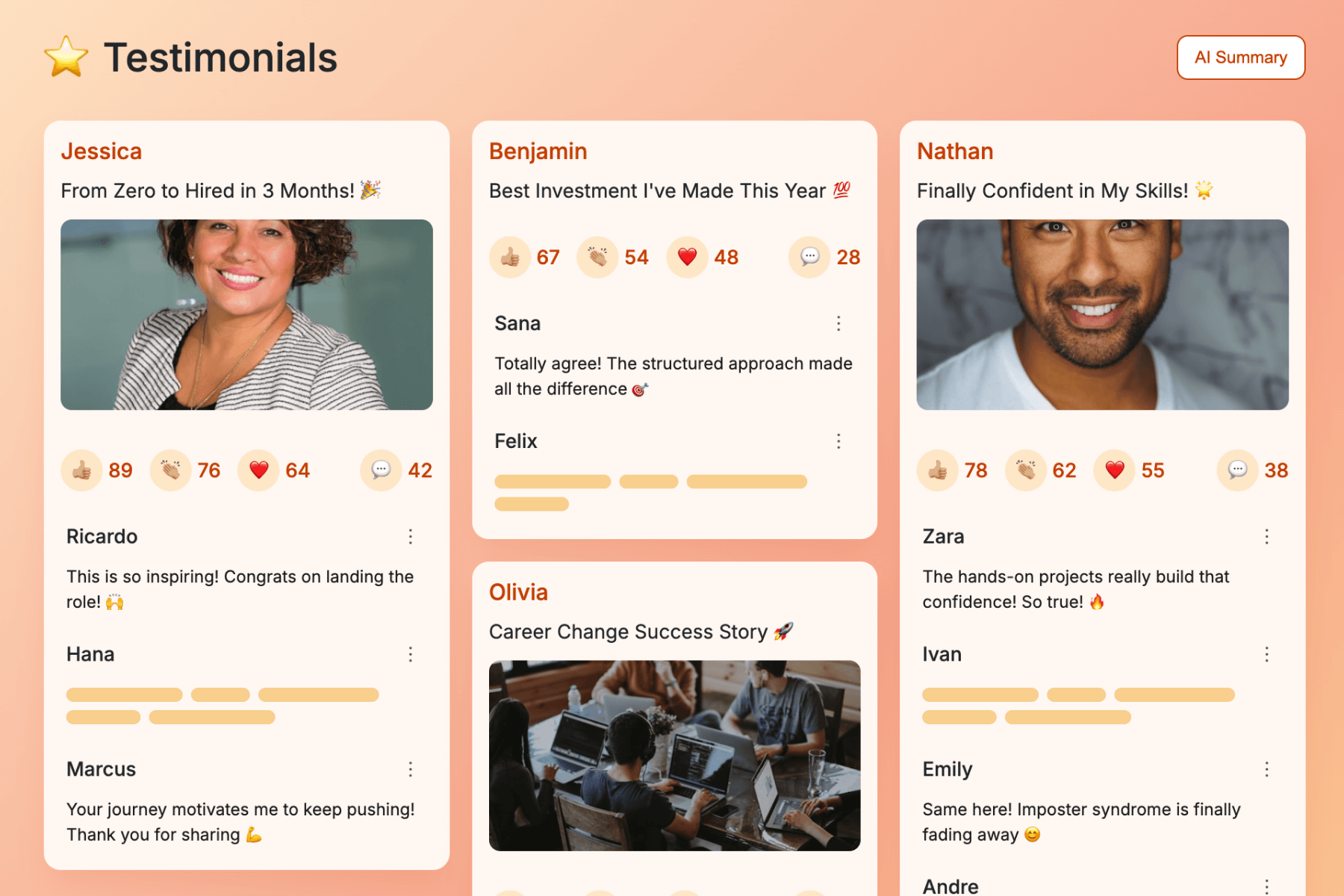
Capture positive social proof and success stories directly within the course.
Testimonials
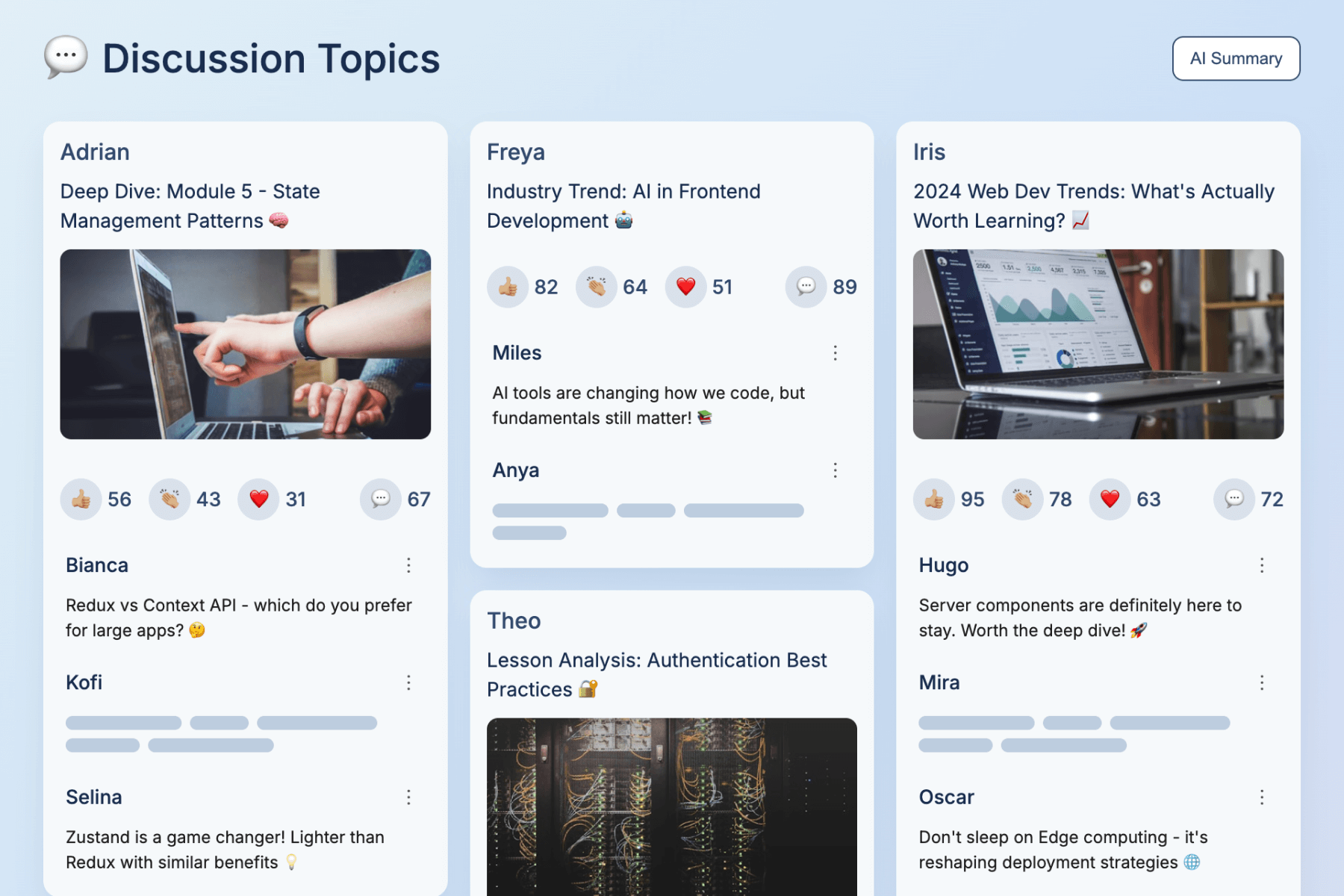
Create threads for deep-dives into specific lessons or industry trends.
Discussion Topics
Reflection & Celebration
Solidify knowledge and reward student progress to encourage long-term retention.
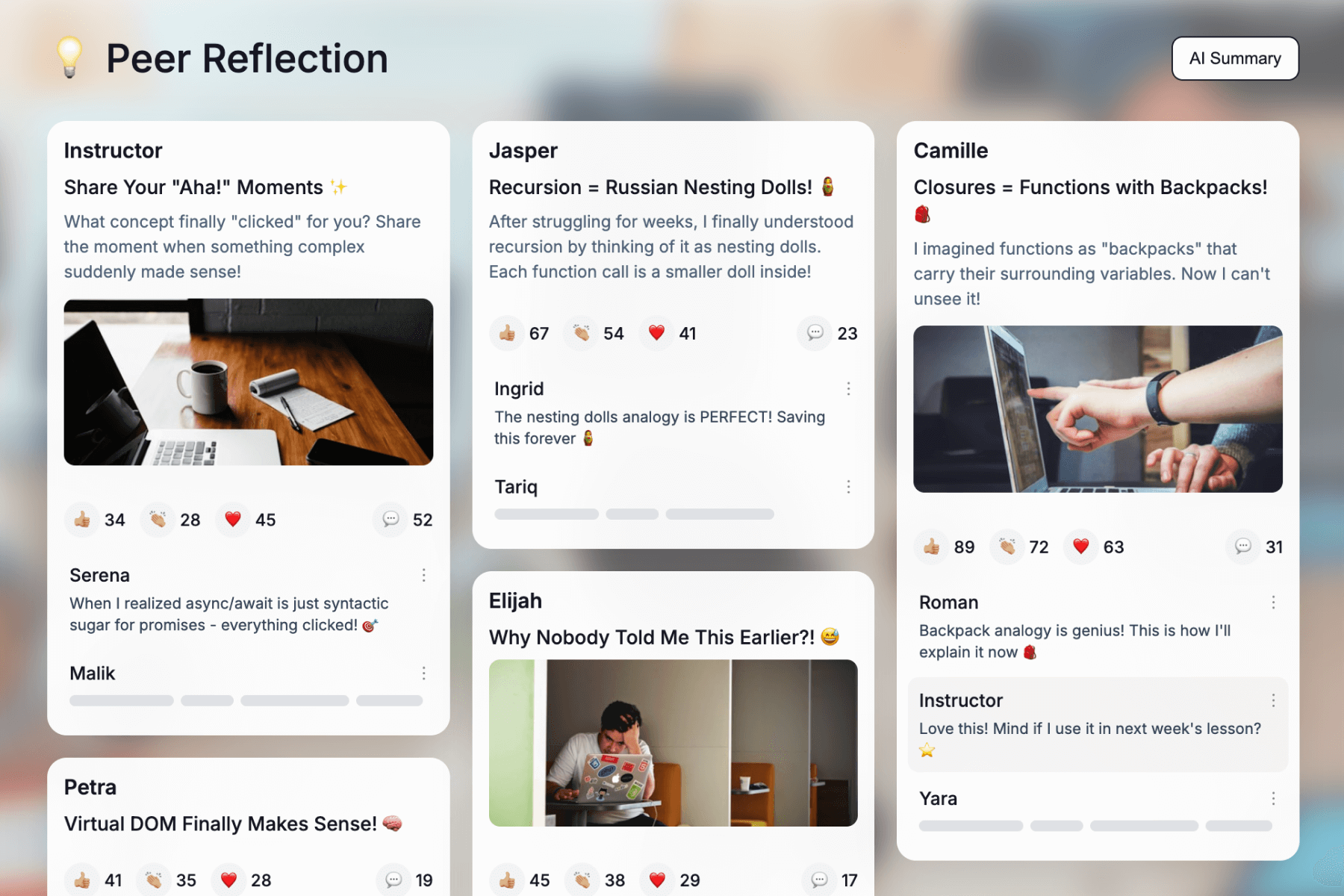
Prompt learners to articulate “aha!” moments after completing a lesson or course.
Peer Reflection
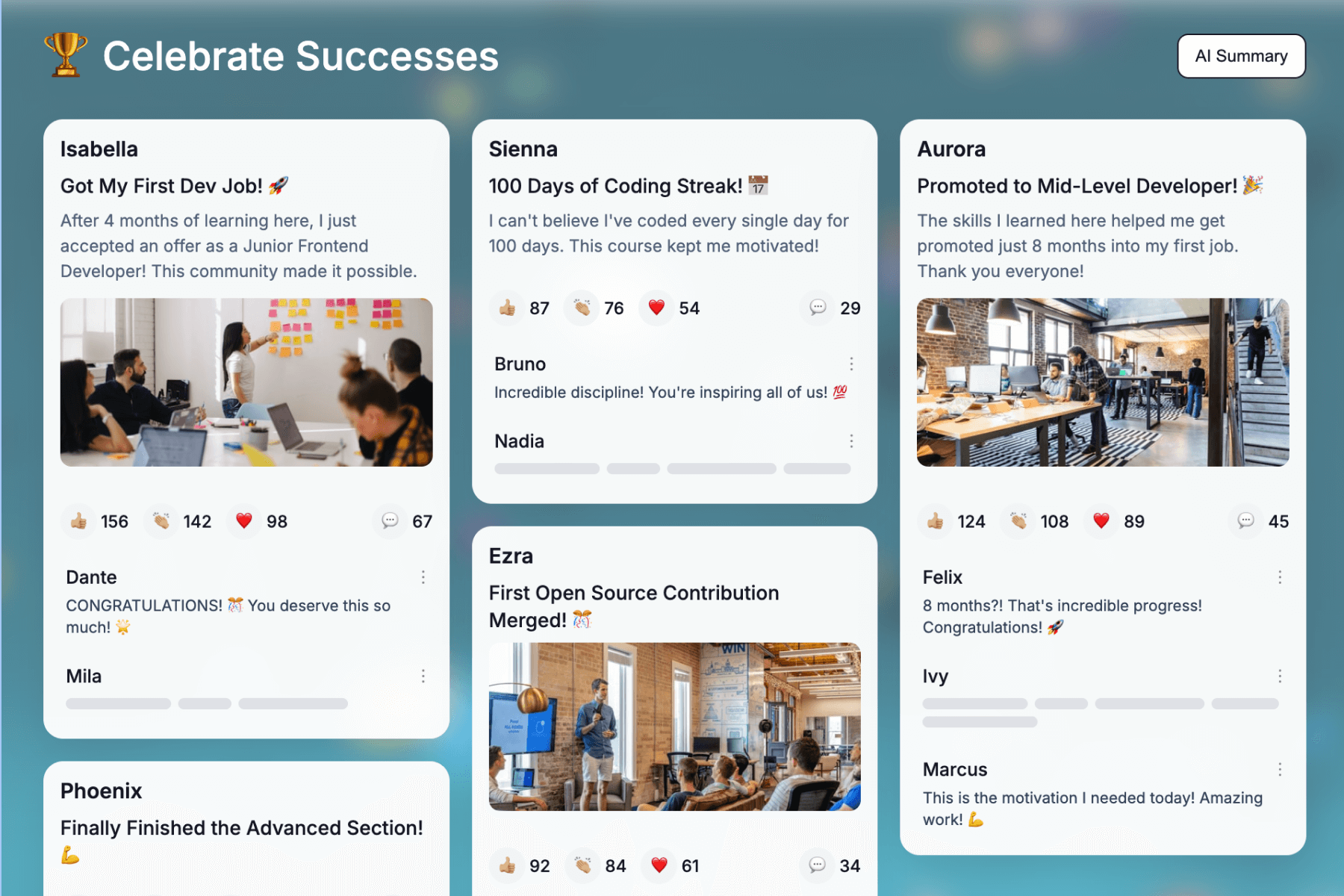
Dedicated spaces for students to share their wins and milestones.
Celebrate Successes
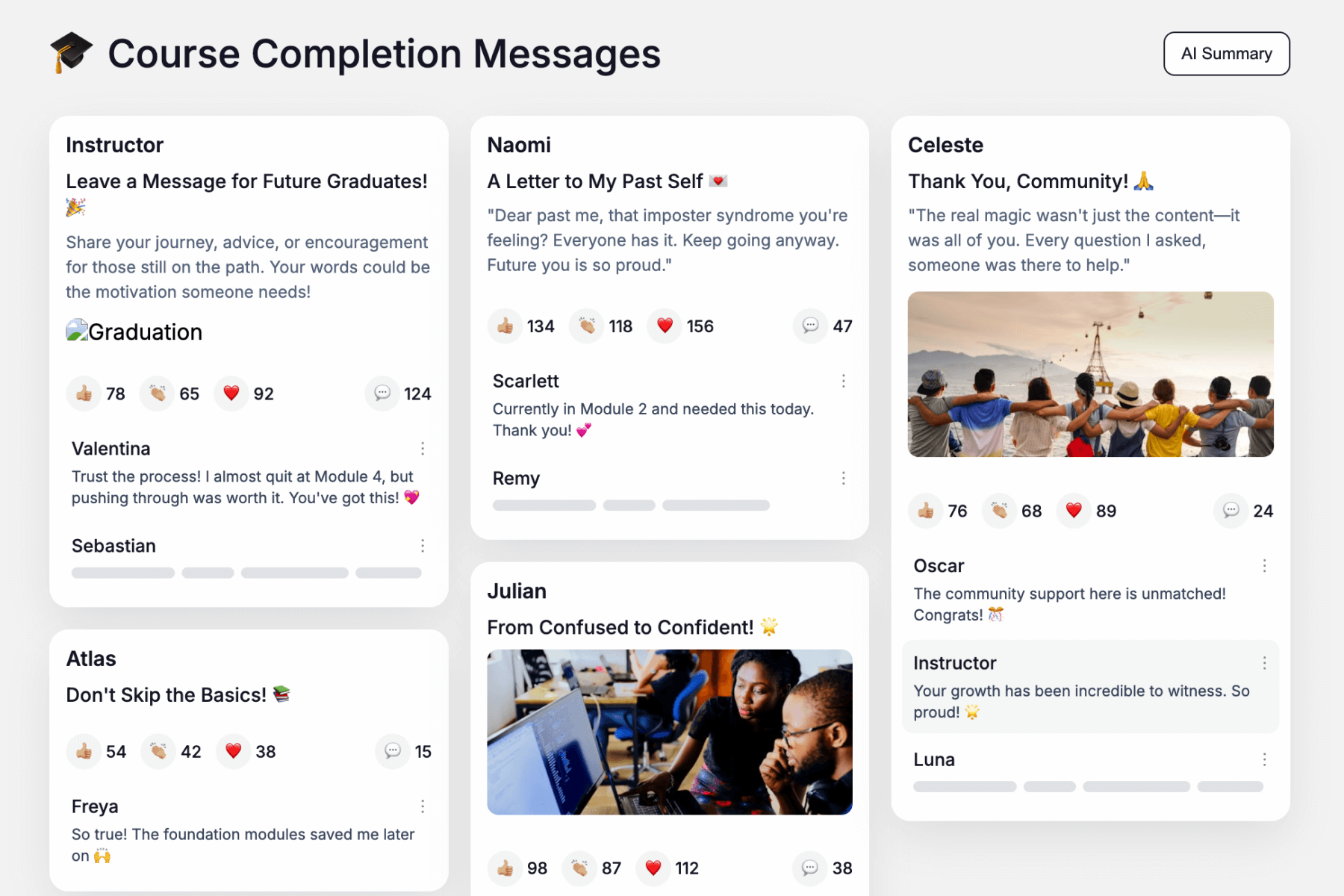
Ask learners to write a celebratory message upon finishing to boost morale for others.
Course Completion Messages
Frequently Asked Questions About Social eLearning & Discussion Boards
What is Social Learning Theory?
Social Learning Theory, popularized by Albert Bandura, suggests that people learn best by observing, imitating, and modeling others. In the context of online courses, this means students retain more information when they interact with peers rather than just watching videos in isolation. Mini Course Generator applies this theory by embedding visual discussion boards directly into lessons, transforming passive content into an active social environment.
Why are discussion boards essential for cohort-based learning?
Cohorts thrive on community and accountability. A visual discussion board acts as the “heartbeat” of the program between live sessions. By embedding a board, you create a shared space where the cohort can showcase their homework, share wins, and see each other’s progress. This visibility creates positive peer pressure (accountability) and the “social glue” that keeps retention rates high in cohort-based learning programs.
How do visual boards improve engagement in small learning groups?
In small groups, standard text forums can feel intimidating or “too official.” Mini Course Generator’s aesthetic, bulletin-style boards lower the barrier to entry. It feels less like writing an essay and more like posting to a private social feed. This psychological safety encourages even shy learners in small groups to share images, voice notes, or videos, fostering deeper intimacy and trust among peers.That’s why we designed our entire platform, both admin and learner interfaces, around creating courses that are naturally divided into bite-sized, focused segments. These ‘mini’ courses can allow learners to complete each piece without overwhelmed.
However, ‘mini’ refers to our approach and structure, not limitations. Within our editor, there’s actually no restriction on the overall length of your course. If you prefer, you can create comprehensive training programs while maintaining that focused, digestible format that makes learning more effective.
Can discussion boards replace live sessions in a cohort?
They act as the perfect asynchronous bridge. While live sessions (Zoom) are great for energy, they don’t allow time for deep reflection. Using a collaborative discussion board allows students to digest complex topics and give thoughtful, detailed peer feedback on their own schedule. This “flipped classroom” approach ensures your live sessions are used for coaching, while the actual collaboration happens on the board 24/7.
Why are discussion boards important in online learning?
Social learning is the key to retention. Without a discussion board for online courses, learners often feel isolated, leading to low completion rates. These boards provide a “virtual campfire” feel, allowing learners to connect with peers, ask questions, and validate their understanding of the material without needing the instructor to be online 24/7.
What is an online discussion board?
An online discussion board is a digital space embedded within a course where learners and instructors exchange ideas asynchronously. Modern versions, like those in Mini Course Generator, have evolved beyond simple text threads into aesthetic discussion boards. They function as visual collaboration walls where users can post text, images, and videos, mimicking the engaging feel of social media feeds.
How does the AI Moderator work?
Managing a community shouldn’t be a full-time job. Our AI Moderator acts as an always-on assistant that automatically detects and filters toxic language or inappropriate content in real-time. This ensures your Social Learning LMS remains a professional, safe space for students 24/7 without requiring you to manually approve every single comment.
What is collaborative learning in online education?
Collaborative learning is an educational approach where students work together to solve problems or explore concepts. Unlike self-paced study, it relies on peer interaction. Using a collaborative online learning tool like our discussion boards allows learners to share insights, debate topics, and build on each other’s ideas, creating a richer learning experience than solitary study.
How do discussion boards increase learner engagement?
Discussion boards shift students from passive consumers to active participants. Research shows that active learning strategies—like posting a reflection or commenting on a peer’s work—significantly boost retention. By using a visually appealing interface rather than dry text threads, Mini Course Generator reduces the friction to participate, helping shy students express themselves and keeping the whole cohort engaged.
Can I customize the look of my discussion boards?
Yes. We believe your community should match your brand. You can customize the background color of the main “community interaction” block and color-code individual discussion spaces. This allows you to visually differentiate between topics (e.g., using blue for “Homework” and green for “Introductions”) while maintaining a cohesive, professional look.
When is the best time to add a discussion board to a course?
Strategic placement is key. We recommend three spots:
- The Start: An “Ice Breaker” board to build psychological safety.
- The Middle: After complex modules, allowing students to crowdsource answers.
- The End: A “Showcase Wall” for final projects.
Pro Tip: Uniquely with Mini Course Generator, you can even embed a view-only discussion board on your public landing page to show prospective learners the active, vibrant community awaiting them.
What are the best discussion questions for online courses?
To drive interaction on a visual board, avoid simple “Yes/No” questions. Instead, use open-ended prompts that encourage media sharing:
- Ice Breakers: “Post a photo of your workspace and introduce yourself.”
- Real-World Application: “Upload a screenshot of how you applied this lesson today.”
- Reflections: “Share your biggest takeaway in one sentence.”
Social Learning Theory, popularized by Albert Bandura, suggests that people learn best by observing, imitating, and modeling others. In the context of online courses, this means students retain more information when they interact with peers rather than just watching videos in isolation. Mini Course Generator applies this theory by embedding visual discussion boards directly into lessons, transforming passive content into an active social environment.
Cohorts thrive on community and accountability. A visual discussion board acts as the “heartbeat” of the program between live sessions. By embedding a board, you create a shared space where the cohort can showcase their homework, share wins, and see each other’s progress. This visibility creates positive peer pressure (accountability) and the “social glue” that keeps retention rates high in cohort-based learning programs.
In small groups, standard text forums can feel intimidating or “too official.” Mini Course Generator’s aesthetic, bulletin-style boards lower the barrier to entry. It feels less like writing an essay and more like posting to a private social feed. This psychological safety encourages even shy learners in small groups to share images, voice notes, or videos, fostering deeper intimacy and trust among peers.That’s why we designed our entire platform, both admin and learner interfaces, around creating courses that are naturally divided into bite-sized, focused segments. These ‘mini’ courses can allow learners to complete each piece without overwhelmed.
However, ‘mini’ refers to our approach and structure, not limitations. Within our editor, there’s actually no restriction on the overall length of your course. If you prefer, you can create comprehensive training programs while maintaining that focused, digestible format that makes learning more effective.
They act as the perfect asynchronous bridge. While live sessions (Zoom) are great for energy, they don’t allow time for deep reflection. Using a collaborative discussion board allows students to digest complex topics and give thoughtful, detailed peer feedback on their own schedule. This “flipped classroom” approach ensures your live sessions are used for coaching, while the actual collaboration happens on the board 24/7.
Social learning is the key to retention. Without a discussion board for online courses, learners often feel isolated, leading to low completion rates. These boards provide a “virtual campfire” feel, allowing learners to connect with peers, ask questions, and validate their understanding of the material without needing the instructor to be online 24/7.
An online discussion board is a digital space embedded within a course where learners and instructors exchange ideas asynchronously. Modern versions, like those in Mini Course Generator, have evolved beyond simple text threads into aesthetic discussion boards. They function as visual collaboration walls where users can post text, images, and videos, mimicking the engaging feel of social media feeds.
Managing a community shouldn’t be a full-time job. Our AI Moderator acts as an always-on assistant that automatically detects and filters toxic language or inappropriate content in real-time. This ensures your Social Learning LMS remains a professional, safe space for students 24/7 without requiring you to manually approve every single comment.
Collaborative learning is an educational approach where students work together to solve problems or explore concepts. Unlike self-paced study, it relies on peer interaction. Using a collaborative online learning tool like our discussion boards allows learners to share insights, debate topics, and build on each other’s ideas, creating a richer learning experience than solitary study.
Discussion boards shift students from passive consumers to active participants. Research shows that active learning strategies—like posting a reflection or commenting on a peer’s work—significantly boost retention. By using a visually appealing interface rather than dry text threads, Mini Course Generator reduces the friction to participate, helping shy students express themselves and keeping the whole cohort engaged.
Yes. We believe your community should match your brand. You can customize the background color of the main “community interaction” block and color-code individual discussion spaces. This allows you to visually differentiate between topics (e.g., using blue for “Homework” and green for “Introductions”) while maintaining a cohesive, professional look.
Strategic placement is key. We recommend three spots:
- The Start: An “Ice Breaker” board to build psychological safety.
- The Middle: After complex modules, allowing students to crowdsource answers.
- The End: A “Showcase Wall” for final projects.
Pro Tip: Uniquely with Mini Course Generator, you can even embed a view-only discussion board on your public landing page to show prospective learners the active, vibrant community awaiting them.
To drive interaction on a visual board, avoid simple “Yes/No” questions. Instead, use open-ended prompts that encourage media sharing:
- Ice Breakers: “Post a photo of your workspace and introduce yourself.”
- Real-World Application: “Upload a screenshot of how you applied this lesson today.”
- Reflections: “Share your biggest takeaway in one sentence.”

